

Understanding Polarizer Viewing Angles in Display Repair: A Comprehensive Guide
Feb 28, 2025
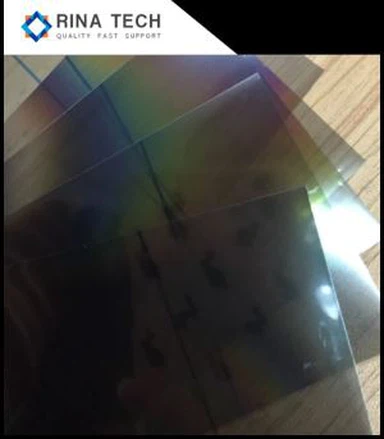
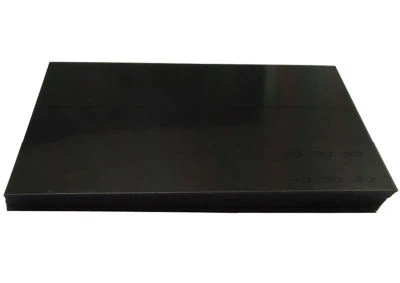
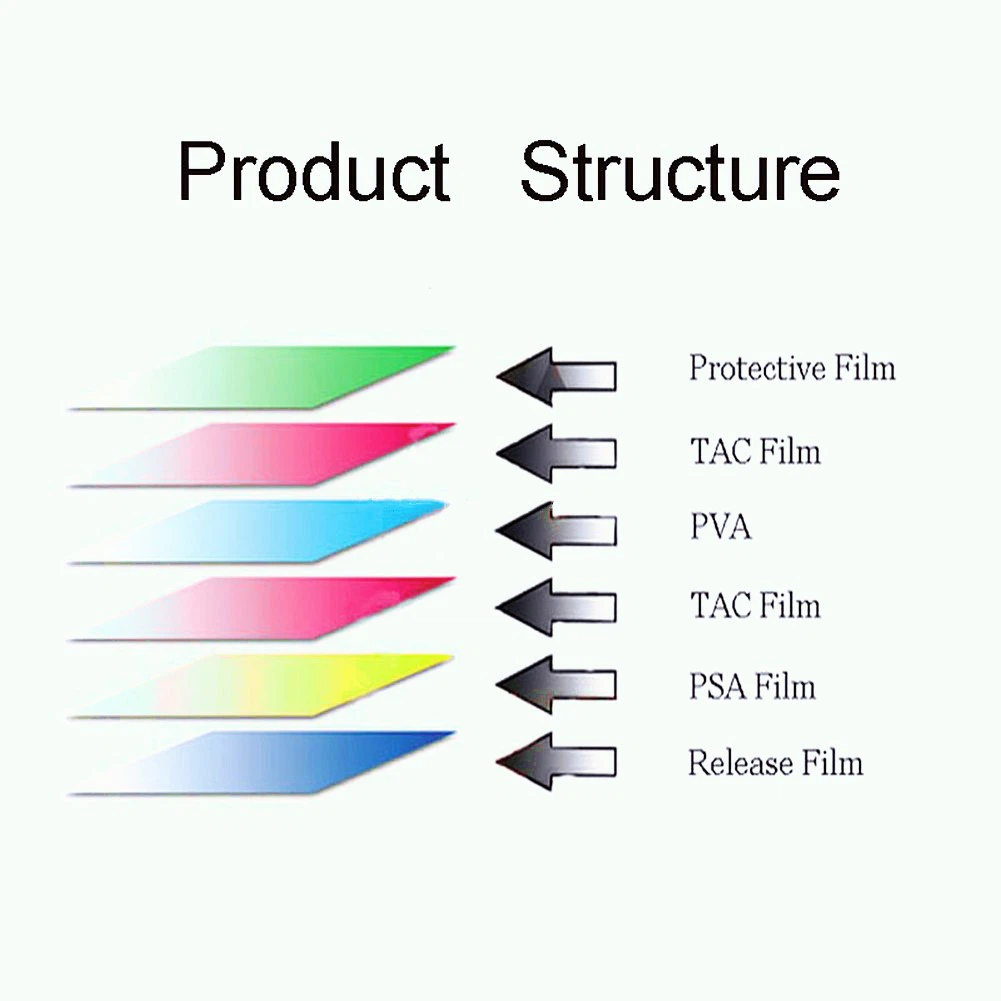
Polarizing films (polarizers) are critical components in liquid crystal displays (LCDs), enabling precise control of light transmission and image visibility. A key challenge during repair or replacement is identifying and matching the correct viewing angle of the polarizer, as errors can lead to distorted colors, reduced contrast, or even complete display failure. This article provides a structured approach to distinguishing polarizer viewing angles in repair scenarios.


1. Fundamentals of Polarizing Film Viewing Angles
What Defines a Polarizer's Viewing Angle?
A polarizer's viewing angle refers to the orientation of its light-filtering axis, typically measured in degrees (e.g., 0°, 45°, 90°, 135°). This angle determines how light interacts with the liquid crystal layer. In LCDs, two polarizers are used:
- Front polarizer: Aligned perpendicular or parallel to the backlight.
- Rear polarizer: Positioned orthogonally to the front film to create light modulation.
Why Viewing Angle Matters in Repair?
- Mismatch consequences:
Installing a polarizer with an incorrect angle disrupts the LC layer's voltage-dependent light modulation, causing:
- Washed-out colors
- Inverted grayscale
- "Black screen" appearance at certain angles
- Device-specific requirements:
Smartphones, monitors, and automotive displays often use unique angle combinations optimized for their intended use case.
2. Identifying Polarizer Angles: Practical Methods
Method 1: Visual Inspection with a Reference Polarizer
1. Tools required:
- Known-angle reference polarizer (e.g., 45° or 90°)
- Light source (e.g., smartphone screen set to white)
2. Procedure:
- Place the unknown polarizer over the light source.
- Rotate the reference polarizer above it.
- The angle where maximum light blockage occurs indicates the unknown film's orientation.
Example: If a polarizer blocks light completely when aligned at 135° against a 45° reference, its viewing angle is 135°.
Method 2: Multimeter Resistance Test (Conductive Polarizers)
For touchscreen digitizer-integrated polarizers:
1. Measure resistance across the film's conductive layer.
2. Compare with manufacturer specifications – resistance patterns often correlate with angle configurations.
Method 3: LCD Panel Reverse Engineering
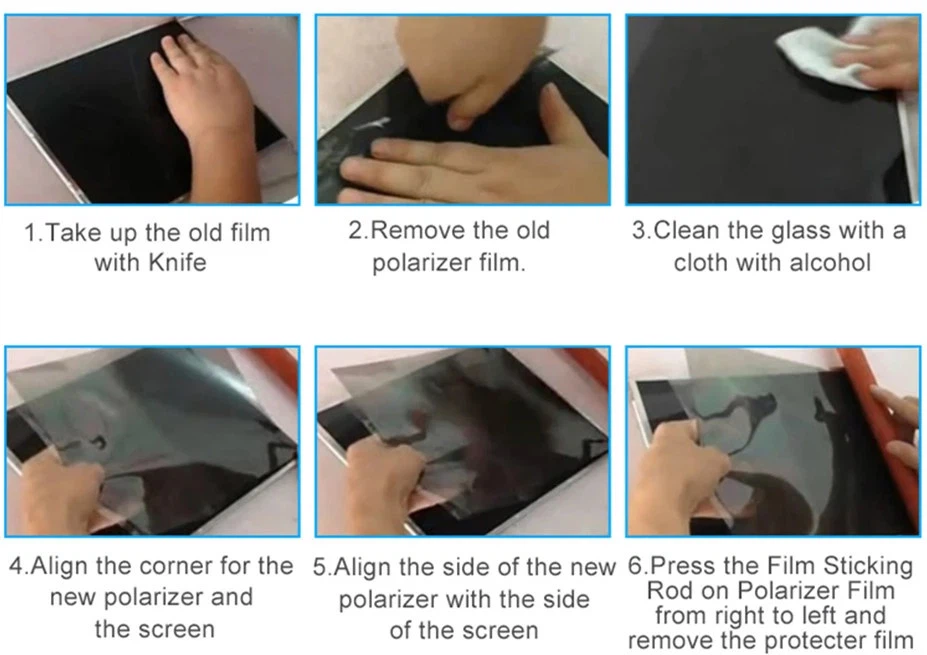
1. Disassemble an intact display of the same model.
2. Use a spectrometer to measure the existing polarizer's extinction axis.
3. Angle Determination Challenges in Modern Displays
Challenge 1: Multi-Domain Vertical Alignment (MVA) Panels
Modern curved monitors and TVs use complex polarizer arrangements:
- Dual-view angles: Some gaming monitors employ 45°/135° dual-layer films for wide viewing ranges.
- Solution: Consult service manuals for angular offset specifications (e.g., "Panel XYZ requires ±15° compensation").
Challenge 2: OLED Hybrid Polarizers
Flexible OLED panels in foldable devices often combine:
- Circular polarizers (e.g., ¼-wave retarder + 90° linear film)
- Anti-reflective coatings
- Repair tip: Use polarized sunglasses to identify circular polarization patterns.
4. Industry Standards and Angle Coding Systems
Manufacturer Angle Markings
Most polarizers include subtle identifiers:
- Notches: A single notch = 0°, double notch = 90° (varies by supplier)
- Laser etchings: e.g., "A45" denotes 45° angle
- Color codes: Blue tape = 45°, green = 90° (verify with supplier datasheets)
Standard Angle Pairings by Device Type
| Device Category | Common Front/Rear Angle Pair |
| Smartphones | 90° (front) / 0° (rear) |
| Laptop TN Panels | 45° / 135° |
| Medical Monitors | 0° / 90° with AR coating |
| Automotive Clusters | 135° / 45° (anti-glare) |
5. Advanced Tools for Professional Repairers
Polarimeter Analysis
Handheld polarimeters (e.g., PM-300 series) provide:
- Instant angle measurement (±0.5° accuracy)
- Retardation mapping for anti-glare films
Spectroscopic Ellipsometry
For R&D-level repairs:
- Measures complex refractive indices
- Identifies custom angles in prototype displays
6. Common Repair Mistakes and Prevention
Error 1: Assuming Universal 90° Angles
Case Study: A technician replaced a tablet polarizer with a 90° film, unaware that the original used a 112.5° angle for wider viewing.
Result: Color shift at 30° tilt.
Prevention: Always test with a known-good display module first.
Error 2: Ignoring Temperature Effects
Polarizer angles can shift by 0.2° per °C.
During hot-bar bonding:
- Use temperature-stabilized workstations
- Allow 5-minute thermal equilibration after adhesive curing
7. Best Practices for Polarizer Handling and Storage
01. Angle labeling:
Immediately mark angles on protective liner after removal.
02. Moisture control:
Store films at <30% RH to prevent adhesive angle drift.
03. UV exposure:
Limit to <15 minutes – prolonged UV degrades dichroic dyes.
Conclusion
Mastering polarizer viewing angle identification requires theoretical knowledge and hands-on techniques. Repair technicians can achieve first-time-right polarizer replacements by combining visual inspection methods with modern measurement tools and adhering to device-specific standards. As display technologies evolve toward micro-LED and quantum dot enhancements, maintaining rigorous angle-matching protocols will remain essential for quality repairs.